10 Best Video Games for Kids to Play on TV
Direct Answer
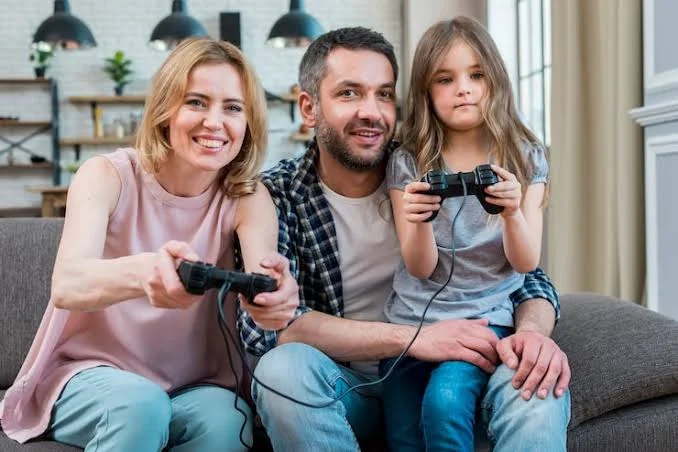
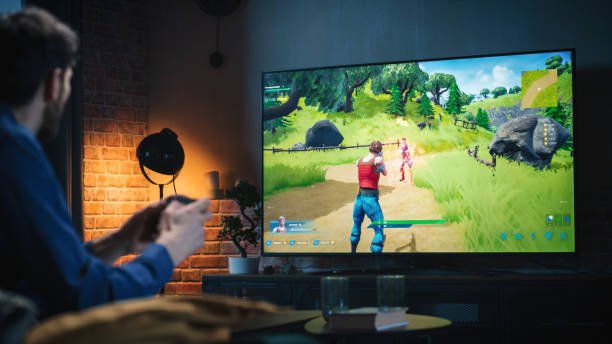
Good video games for kids include motion games, Mario Kart 8 Deluxe, Minecraft and Bluey: The Videogame. Children can play alone or share the television with family members, depending on the game. Some games use handheld controllers. Motion games let children control the action by moving their bodies. Choose a game that suits your child’s age and the gaming system you have at home.
A cheer from the sofa can mean your child has finally beaten a difficult level. On another day, they may hand you a controller and ask you to play along. Moments like these can make video games for kids a fun part of family time at home.
Finding the right game for your child takes some thought. A bright, colourful cover tells you little about how the game works or how easy it is to play. The descriptions below explain what children can do in each game. You can then choose something your child will enjoy.
10 Best Video Games for Kids
There are games for busy family evenings and quieter afternoons at home. Each choice below offers a different way to play. Start with the kind of activity your child enjoys.
1. Motion Games That Use Body Movements
Imagine standing before the television and using your arms to play. In a motion game, the action on screen follows the child’s movements. Plazmo uses a camera to read supported movements without a handheld controller. It comes with ten core games, including Fruit Splash and GoalKee. The games are designed for children and families. Children can practise one movement at a time before trying games with faster action. An adult can show them where to stand. Let children try an easy game first so they can learn how it works.
The room needs some preparation before play begins.
- Play style: Children move their arms or bodies to control supported games. Selected games allow people to play together.
- TV setup: Connect the console to a compatible television with an HDMI cable and follow the instructions.
- Parent check: Leave around two to three metres of clear floor space. Move furniture away and check each game’s player limit.
2. Bluey: The Videogame
Children who enjoy Bluey may recognise the people and places in this game. They explore familiar areas and take part in small activities. The story moves at a pace that younger children can follow. Parents can join them when they need help. The familiar characters may make the first try less confusing for a young player.
Check the home setup before starting the adventure.
- Play style: Up to four people can join through supported local play and explore together.
- TV setup: Choose the edition made for your Nintendo Switch, PlayStation or Xbox console.
- Parent check: Young children may need help reading instructions or finding the next activity.
3. Kirby and the Forgotten Land
A little pink character named Kirby travels through strange places, jumping over gaps and fighting enemies along the way. Another player can join the adventure as Bandana Waddle Dee. The bright and cheerful world has some tricky areas, so children may need a few tries to get past them. They must also watch where Kirby lands during each jump.
Check the game and console before your child starts playing.
- Play style: Explore alone or play with a second person using supported local play.
- TV setup: The original game works on Nintendo Switch in TV mode. An upgraded edition is available for Switch 2.
- Parent check: The US rating is Everyone 10+ because the game contains cartoon fighting. Watch some gameplay before choosing it.
4. Mario Kart 8 Deluxe
In Mario Kart 8 Deluxe, children drive small karts around colourful racing tracks. Along the way, they pick up items that can change who is winning. Races can be played against the computer or with family members. Younger children may find some turns difficult at first. Starting with a slower race gives them time to learn, and a parent can guide them through the turns.
A few simple settings can make the first races easier.
- Play style: Up to four people can race together on one television using supported local play.
- TV setup: Connect a compatible Nintendo Switch to your television. Each player will need a controller.
- Parent check: Turn on the driving assistance settings when your child starts. Move to faster races and harder tracks as they improve.
5. Minecraft
Minecraft is a world where almost everything is made from blocks. Children can use these blocks to build houses or create places of their own. In Creative Mode, the building materials are ready to use, so there is no need to collect them first. Survival Mode brings enemies and other challenges. Some children may enjoy building a copy of their own home. Others may prefer creating something from their imagination.
Check the world settings before your child begins playing.
- Play style: Build freely in Creative Mode or choose Survival Mode for exploring and extra challenges.
- TV setup: Supported console editions let up to four players share one screen. Check whether your edition supports this.
- Parent check: Review the online play options and choose settings that are suitable for younger children.
6. Pokemon Pokopia
Pokémon Pokopia gives children a world where they can build homes for Pokémon. As they collect materials, more spaces begin to take shape. Children can return to their creations and continue building from where they left off. There is plenty to explore without having to rush, so the game may suit those who enjoy building and collecting things. Released in March 2026, Pokémon Pokopia is among the new video games for kids.
Check your console before buying this game.
- Play style: Explore different places and create homes for Pokémon.
- TV setup: You need a Nintendo Switch 2 to play in TV mode. The original Nintendo Switch cannot run this game.
- Parent check: Read the age rating before buying. Consider whether your child enjoys games with a slower pace.
7. LEGO City Undercover
Children take on the role of Chase McCain, a police officer, in LEGO City Undercover. His adventures take place across a large city built from LEGO pieces. There are roads to drive along and many places to explore between missions. As the story continues, new areas of the city open up. Younger children may need some help understanding where to go for their next mission.
Make sure you have the correct game edition.
- Play style: Explore the city on your own or play with another person in supported versions.
- TV setup: Choose the game edition that is compatible with your console.
- Parent check: Check the age rating before playing. Some longer missions may require help from a parent.
8. Astro Bot
Astro has lost his friends and needs to find them. His search takes the little robot through colourful worlds with hidden paths and gaps to jump across. Some missing robots are easy to find. Others are harder to reach, and children may need several attempts to rescue them. Working out how to reach a hidden robot adds to the excitement of exploring each level.
Only one person can control Astro at a time.
- Play style: Travel through different levels to find and rescue missing robots.
- TV setup: Astro Bot requires a PlayStation 5 connected to a television.
- Parent check: Younger children may struggle with certain jumps. Family members can watch and suggest ways to get past difficult parts.
9. Just Dance 2026 Edition
In Just Dance 2026 Edition, a dancer appears on the television as the music begins. Children follow the steps and try to move along with the song. Getting every movement right is not necessary to enjoy the game. Family members can also join in supported modes, so everyone can dance together at home.
The controls you need depend on how you play.
- Play style: Copy the dancer’s movements and enjoy dancing to songs with family members.
- TV setup: Use a supported console with the required controls. Certain modes also need a compatible phone.
- Parent check: Check whether the phone-camera feature is supported. Review the song choices and any paid extras before your child starts playing.
10. Overcooked! All You Can Eat
Overcooked! All You Can Eat puts players inside a busy cartoon kitchen. Everyone has a job as new food orders arrive. One person might prepare food while another delivers it. The kitchen gets funny when players bump into each other or run out of time. A parent can take one job and let a child learn another at their own pace.
A gentler setting can make the first game easier.
- Play style: Work together to prepare and serve meals before time runs out.
- TV setup: Buy the right console edition and prepare enough controllers for the players.
- Parent check: Assist Mode offers extra time and easier settings for children who find the rounds difficult.
Which TV Game Should You Choose for Your Child?
Picking the best video games for kids becomes easier when you start with what they do for fun away from the screen. Think about whether they like playing alone or with someone beside them.
Here is a quick way to match an interest with a game.
| What your child enjoys | Game worth trying |
| Moving around the room | Motion games |
| Watching Bluey | Bluey: The Videogame |
| Going on an adventure with someone | Kirby and the Forgotten Land |
| Racing against family | Mario Kart 8 Deluxe |
| Building their own places | Minecraft |
| Making a home for Pokémon | Pokémon Pokopia |
| Exploring a city | LEGO City Undercover |
| Finding secrets in a solo adventure | Astro Bot |
| Following music and dance moves | Just Dance 2026 Edition |
| Working on a task with others | Overcooked! All You Can Eat |
When comparing kids video games for TV, check the kind of play your child will enjoy. Watching a short clip of the game can make your choice easier.
How to Choose Age-Appropriate Video Games for Kids
Children of the same age can enjoy very different games. An age rating gives you information about the content. It does not tell you how easily your child will use the controls.
Games for Younger Children
Familiar faces and simple tasks can make a first game feel less confusing. Look for games where children can explore at their own pace. For young readers, pictures can be easier than long instructions on screen. Stay nearby at first if they need help understanding the screen.
Games for Primary School Children
They may like a race with a sibling or a building game that lets them choose what happens next. Watch how they handle the controls before moving to harder tasks. An older sibling can join, though the younger player should still get time to take part.
Games for Older Children
Longer stories may hold their interest, and some children will want to play online. Look at the game’s age rating before agreeing. Check who can send messages through the gaming system. Let older children help choose games, then discuss any rules that apply at home.
What Do You Need to Play Video Games on a TV?
Most games on this list need a separate console connected to the television. Before choosing TV video games for kids, find out exactly which device is needed.
A basic home setup can be prepared in this order.
- Look at the TV connection. Most modern consoles connect through an HDMI port. Check that your television has a suitable port available.
- Connect the gaming device to the TV. Follow its instructions and choose the matching input on the television screen.
- Get all the game controls ready. Some games need a controller for each player. Others require a camera or compatible phone.
- Open the game and check the settings. Make sure the picture appears on the television and adjust the sound before children begin.
The Nintendo Switch Lite cannot show games on a television in the usual TV mode. Check the exact console model instead of assuming every version works in the same way.
How to Make TV Gaming Safe and Comfortable for Kids
Games can be part of an enjoyable family routine when everyone knows the rules.
For video games for kids on TV, these are useful checks.
- Read the game’s age rating carefully. Look at the reasons for it, including any fighting or frightening scenes.
- Agree on playtime. Make space in the day for sleep and activities away from screens. Explain when a session will end before the game starts.
- Check online settings. Parents can limit who speaks to a child through the game. Review any options that allow purchases as well.
- Clear the floor for movement games. Keep toys and loose objects away from the playing area so children have room to move.
Stay nearby when younger children are learning a game. If someone becomes upset or tired, it may be time for a break.
Choose TV Games Your Kids Will Enjoy at Home
The right video games for kids fit the child and the home setup. Try a simple game first, then move on when the controls feel comfortable. Families who enjoy moving around can try Plazmo Motion Gaming Console games together on the television. Keep the first session short and let your child choose a game.
Frequently Asked Questions
Can Kids Play Video Games on a Regular TV?
Yes, a regular television can show games from a compatible console. Check that the TV has the required connection. You do not always need a smart TV for console games.
Do Children Need a Controller for Every TV Game?
Many games use a controller held in the hands. Some motion games use a camera to follow body movements.
Can Two Children Play on the Same TV?
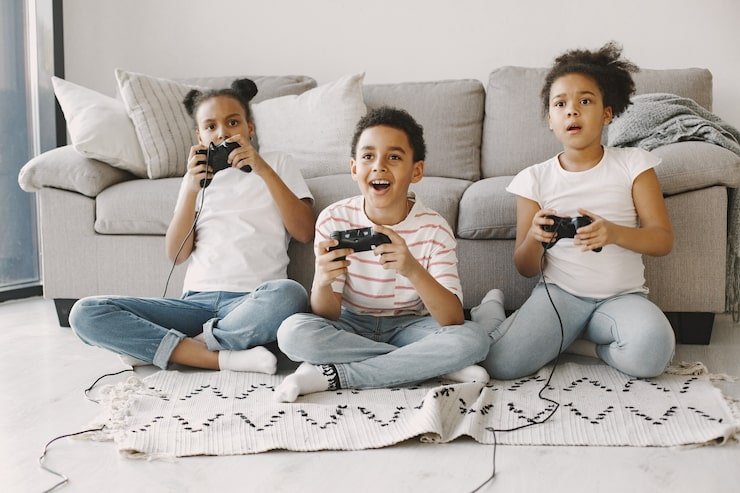
Several games allow children to play together on one television. Others support only one player at a time. Check the local multiplayer option before buying the game.
Do TV Games Need an Internet Connection?
Many games can work offline after they are set up. Downloads and updates may need internet access. Online play also needs a connection, so check the game’s requirements first.